Skip to content
View in the app

A better way to browse. Learn more.

ScouseMp3s

A full-screen app on your home screen with push notifications, badges and more.

To install this app on iOS and iPadOS
  1. Tap the Share icon in Safari
  2. Scroll the menu and tap Add to Home Screen.
  3. Tap Add in the top-right corner.
To install this app on Android
  1. Tap the 3-dot menu (⋮) in the top-right corner of the browser.
  2. Tap Add to Home screen or Install app.
  3. Confirm by tapping Install.

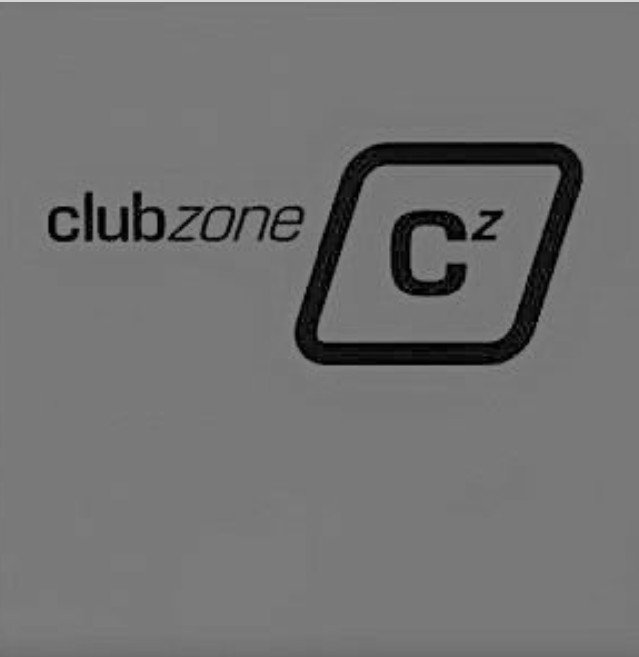
ClubZone Volume 1

(0 reviews)

1 Screenshot

ClubZone Volume 1

Clubstation - Be Quite (B.O.B. Ltd Club Mix).mp3

DJ Jean - U Got My Love (Extended Mix).mp3

Greenfield - Blue Orgasm (Original Mix).mp3

Groove Gangsters - Make You Yeah! (Da Klubb Kings Poppies Remix).mp3

Klubbheads - Here We Go (Gangstek Mix).mp3

Phatt B - And Da Drum Machine (Original Mix).mp3

Progress - Everybody (Yomanda Remix).mp3

Rollercoaster - Don't Hold Me Back (Klubbheads Remix).mp3

Rollercoaster - Keep The Frequency Clear (Da Klubb Kings Happy Mix).mp3

South East Players - The Horney Organ (B.O.B. Ltd Remix).mp3

Stingray - Liptalk.mp3

The Gang - Let Yourself Go (Club Mix).mp3

User Feedback

There are no reviews to display.

Account

Navigation

Search

Search

Configure browser push notifications

Chrome (Android)
  1. Tap the lock icon next to the address bar.
  2. Tap Permissions → Notifications.
  3. Adjust your preference.
Chrome (Desktop)
  1. Click the padlock icon in the address bar.
  2. Select Site settings.
  3. Find Notifications and adjust your preference.